Seven minutes, recorded live
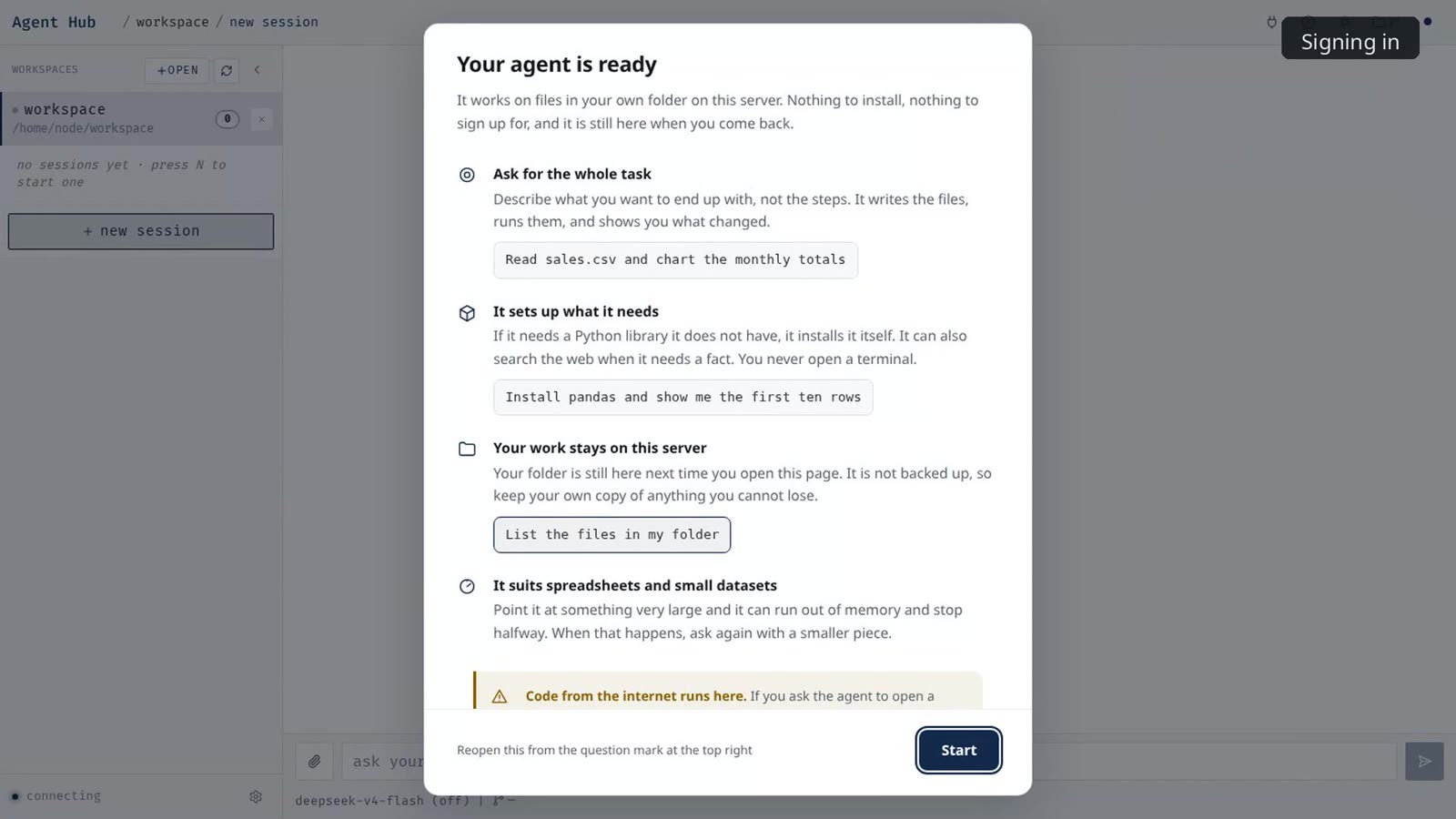
Sign in, ask the agent what it is running on, then three real jobs: a messy spreadsheet, a number that needed checking, and a page that already existed and was wrong. No replay, no rehearsal; every figure spoken in the film was measured from the recording it came from.
If the player does not load, watch it on Vimeo. Subtitles are available in the player.
Three jobs from the film
A messy spreadsheet
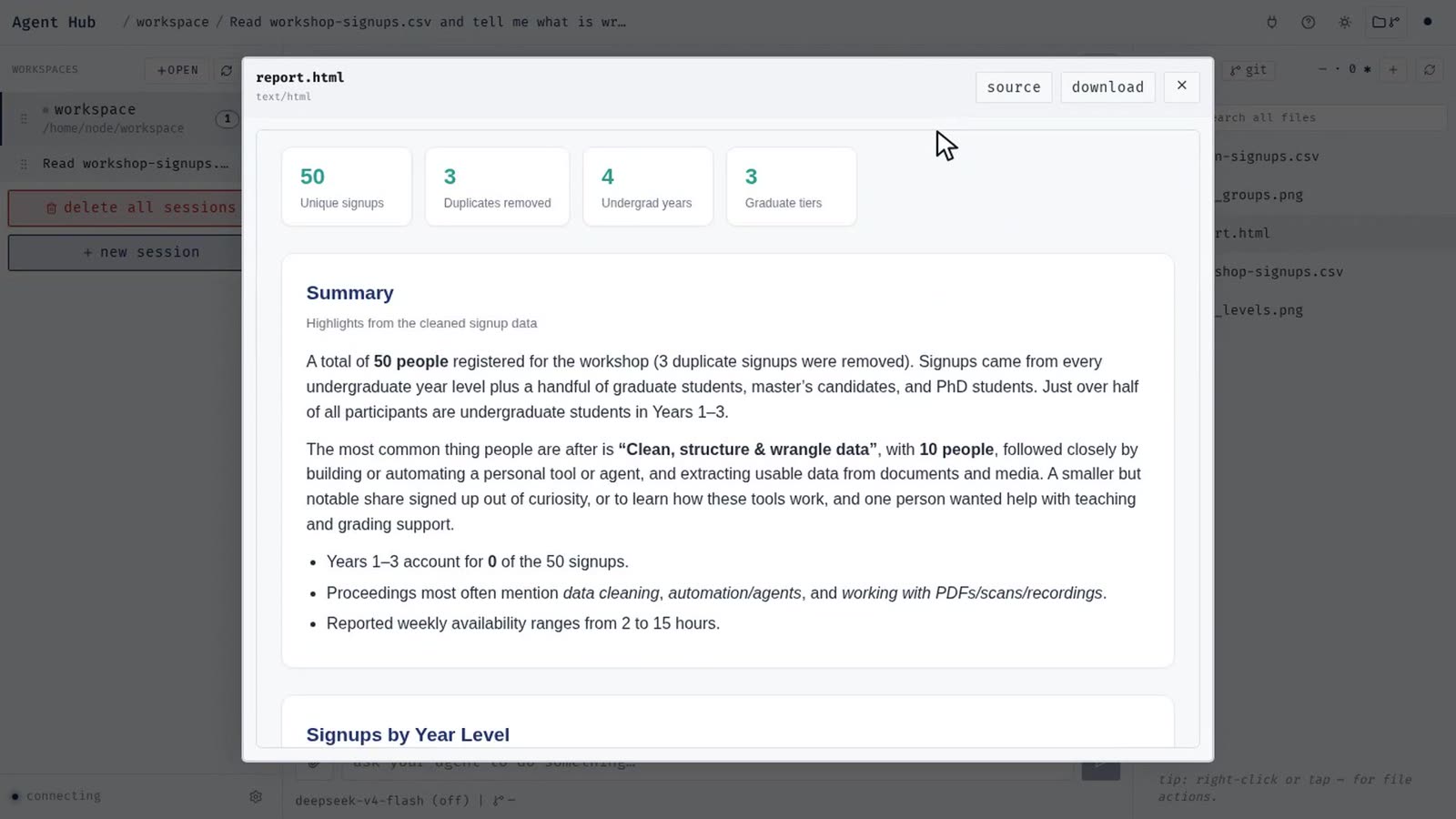
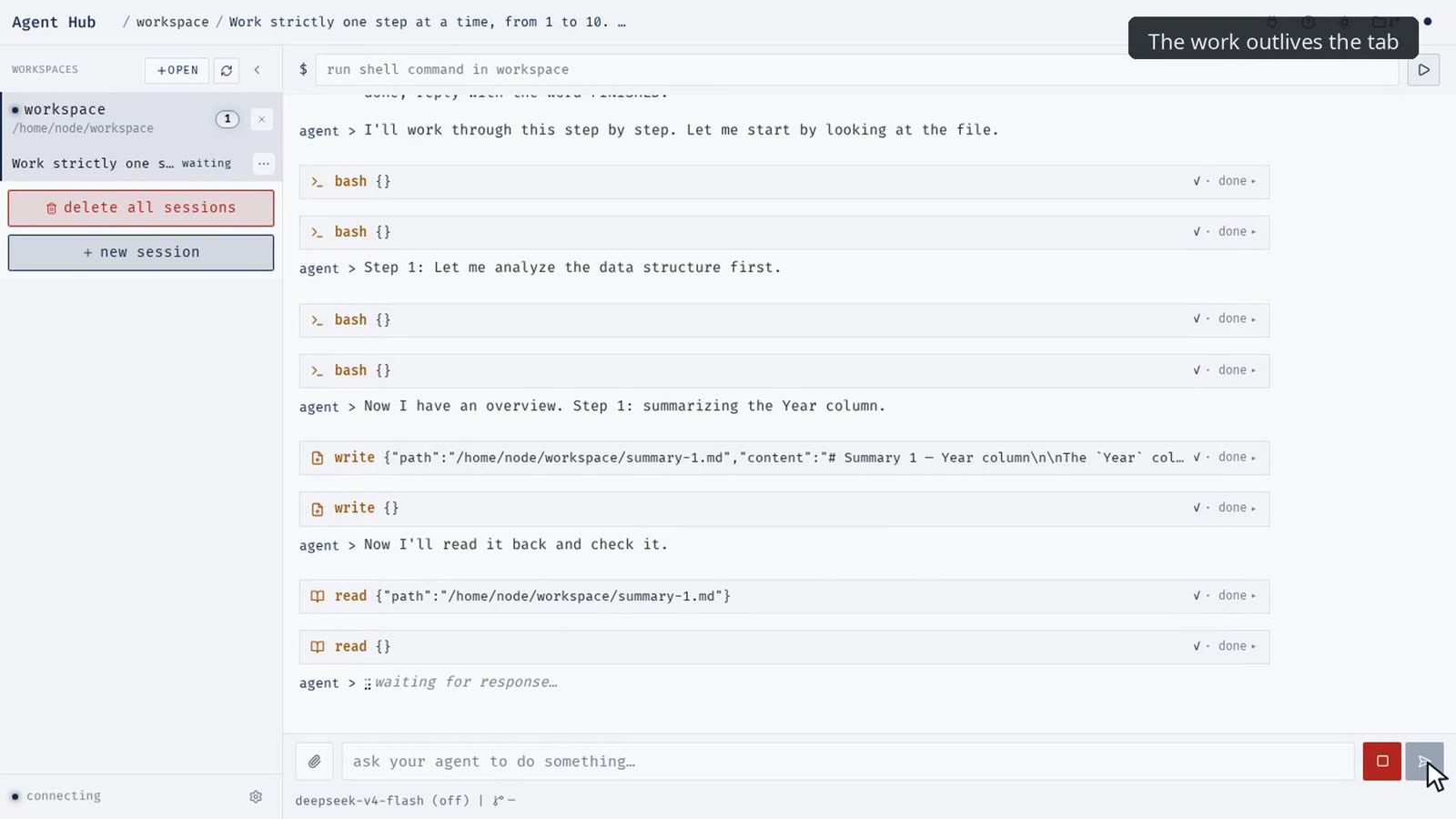
A workshop sign-up sheet, uploaded from the organiser's laptop. Three date formats, e-mail addresses in mixed case, "year" written six different ways, and a few people who signed up twice. The agent reads the file and says what is wrong, installs the library it needs, cleans the rows down to people, reads all fifty free-text answers and groups them by what they mean, draws the charts, and writes a self-contained HTML report that renders in place and downloads in one press.
Checking a number
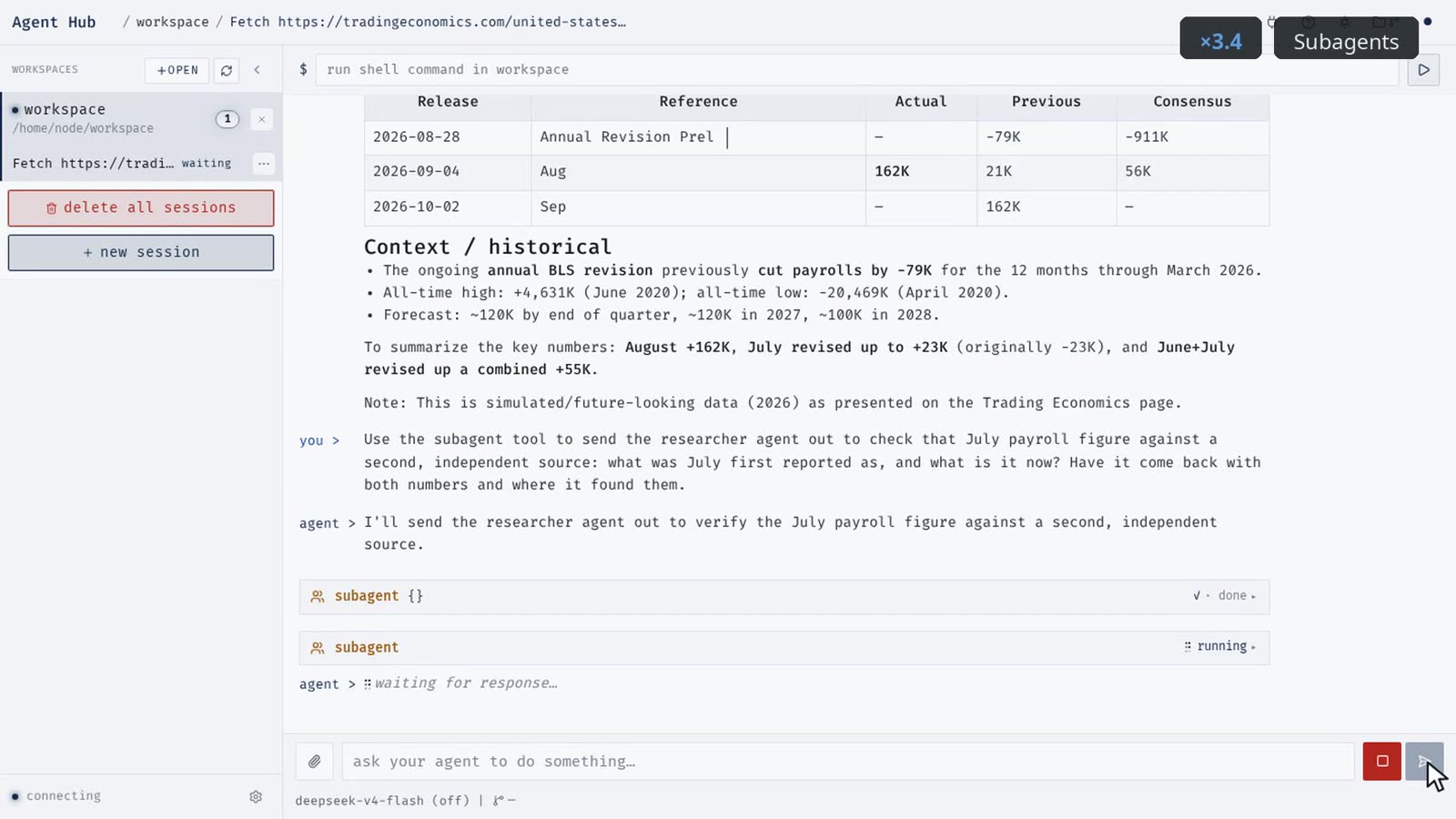
Was a monthly jobs figure revised after publication? The agent fetches the page and picks the numbers out, then sends a subagent to verify the figure independently against a second source. It writes the answer up with both values and a link to every source, and saves the conclusion to long-term memory. In a brand-new conversation, with none of that work in it, the agent still answers from memory.
A page that already exists
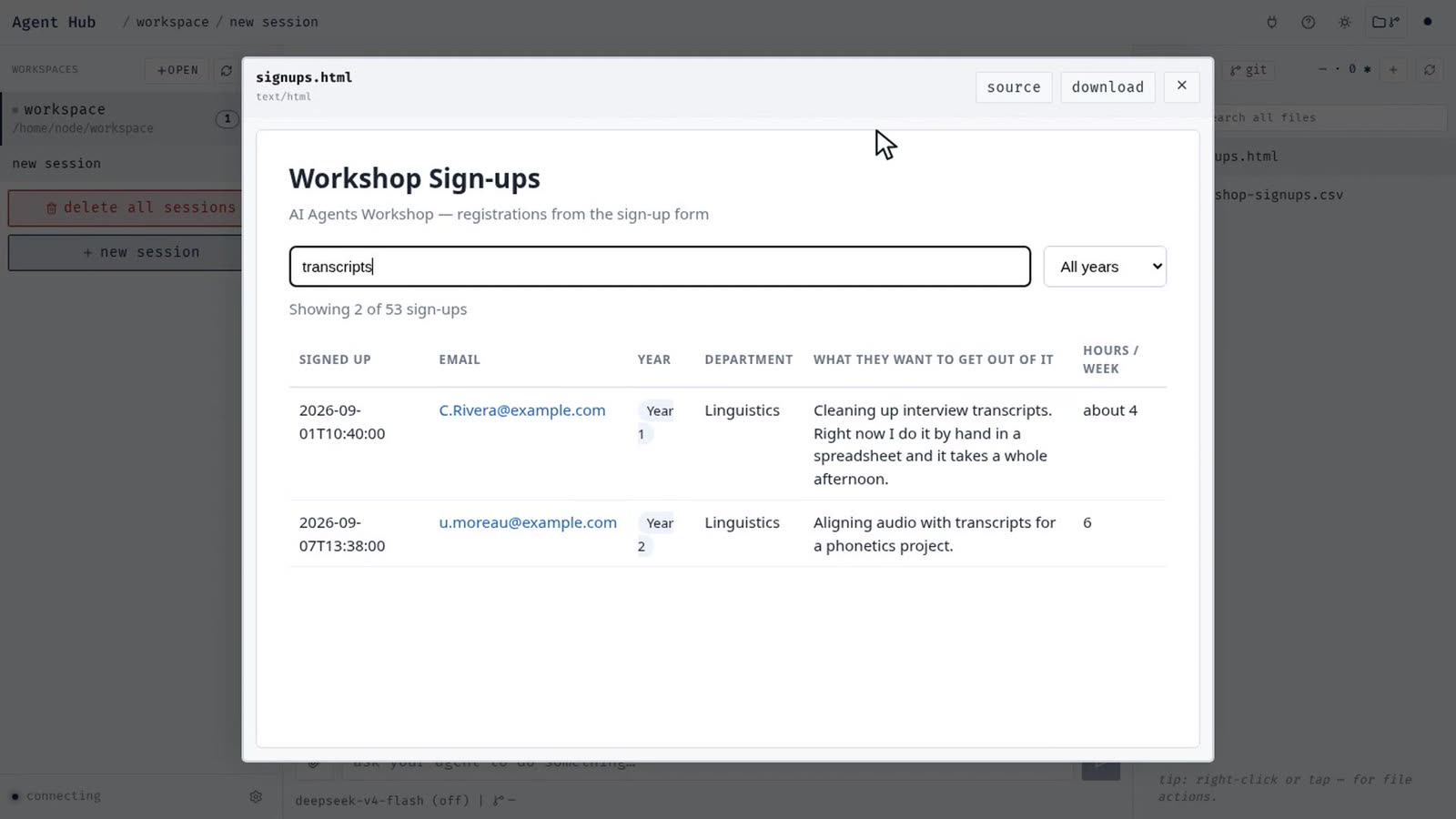
A sign-up browser page written in an earlier session, opened and used from the workspace. Look one person up and they are in there twice: the page counts rows, not people. Told what is wrong, the agent reads the page, works out which rows are the same person, and edits the project that was already there.
JupyterHub underneath, an agent on top
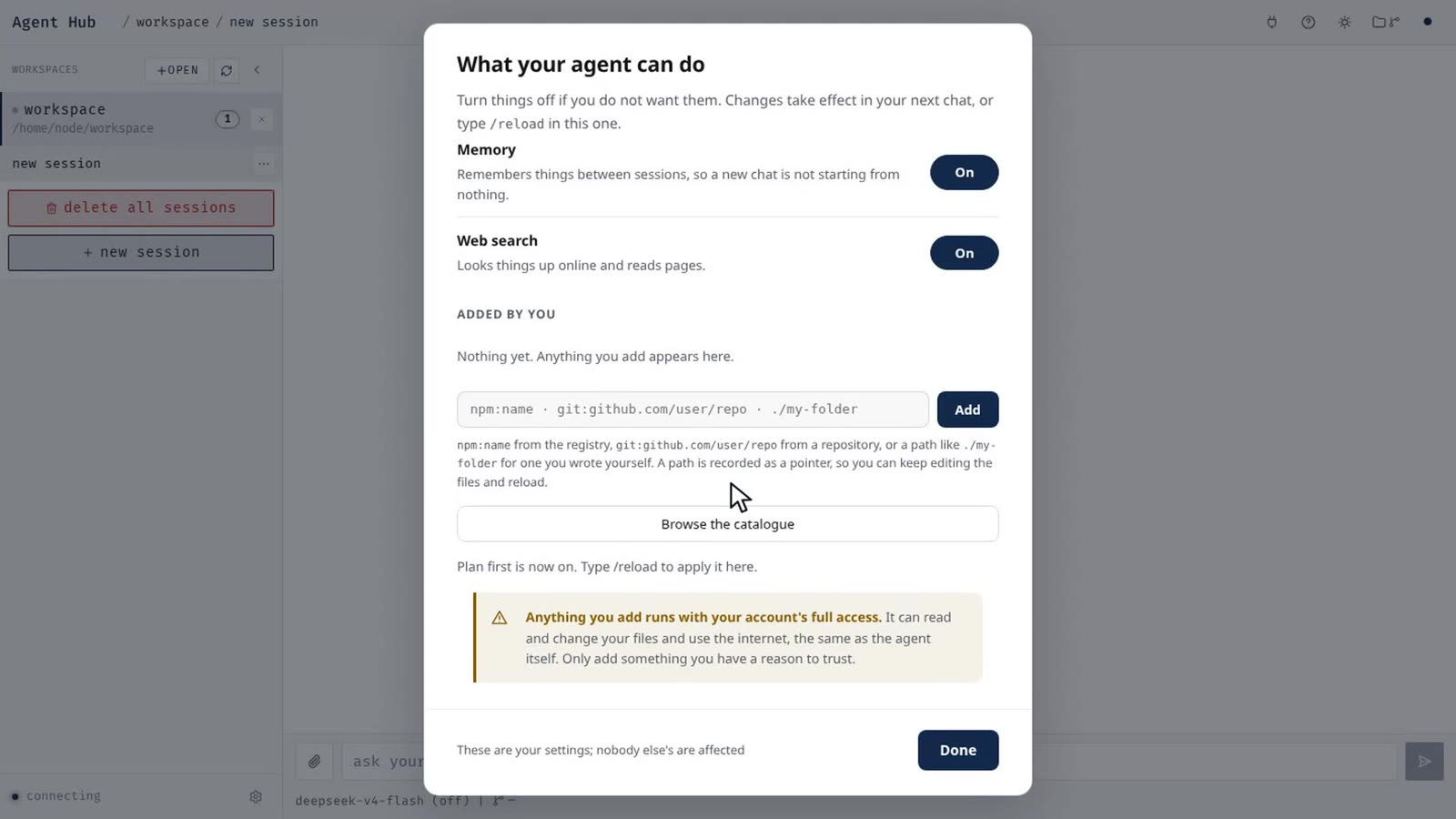
The containers are run by JupyterHub, so any institution already running it can host this as it stands. Inside each container is an open-source agent engine and its browser interface. Every model call and every web lookup goes through one small gateway that holds all the credentials and keeps one ledger.
The gateway holds the model keys and the search keys. Tests log into a real container and check that no other credential is there.
Every model call, search and fetch, including refused ones, is written server-side against the person. Per-session token counts, tool calls, duration and cost are reconciled against the agent's own session files.
Non-root, its own home volume, no Docker socket, no host mounts, no reach into the private network, and resource limits set by the operator. Another person's path is refused.
The gateway speaks the OpenAI protocol upstream. The same deployment has run on an institutional gateway (Lumen at NCSA), on a commercial subscription and on a local model server.
A person can paste a key for a provider they have access to. It is stored at the Hub, used on their behalf by the gateway, never sent to their container, and never readable back.
A fourteen-part test suite runs against the live site, from sign-in and isolation through a real tool-calling loop to work continuing after the browser is gone. Each check reads its evidence from disk or the ledger, not from the screen.
Built from published components
Agent Hub is a thin layer of configuration and glue over open-source projects used as released. Where the interface is adjusted, it is done by patches applied at start-up, not by forking. One copyleft component, unmodified and internal; a deployment that uses commercial search back ends only has none.
| Component | Role in Agent Hub | Licence | Note |
|---|---|---|---|
| JupyterHub 5.4 | Sign-in, one container per person, routing, admin | BSD-3-Clause | Already run by many campuses and clusters |
| DockerSpawner 14 | Starts each person's container with the right limits and volume | BSD-3-Clause | Swappable for a cluster spawner |
| jhsingle-native-proxy 0.8 | Lets a non-notebook web app sit behind the Hub's OAuth | Apache-2.0 | Upstream archived; small and stable |
| nginx | Sub-path adaptation inside the container | BSD-2-Clause | |
| Pi 0.85 | The agent engine: tools, sessions, extensions, driven over RPC | MIT | No SaaS back end; any OpenAI-compatible provider |
| Pi Web 1.21 | The browser interface: chat, files, editor, settings | MIT | Upstream unmodified; skin and patches applied at start-up |
| Pi extensions and skills | Subagents, memory, plan mode, task list, YouTube transcripts | MIT | Published by the Pi authors; web search and fetch are Agent Hub's own |
| SearXNG | Last-resort search back end behind the gateway | AGPL-3.0 | Unmodified, internal network only; optional |
| Docker, Python, Node.js, uv | Containers and the runtime the agent programs in | Apache-2.0 / PSF / MIT |
Agent Hub's own code is the Hub configuration and page templates, the model gateway, the container entry point, the interface skin and patches, a few Pi extensions, the account tooling, the backup job and the test suite.
What it is not yet
- Not an institutional service. The pilot uses its own roster and per-person passwords. Institutional single sign-on is a change of authenticator, not exercised yet with a real identity provider.
- The gateway is a front door, not a wall. Search and fetch go through it and are accounted for; a shell command can still reach the public internet directly. Private-network egress is blocked.
- No disk quota. CPU, memory and process counts are limited; disk is not. Nightly backups exist, and the first screen still says to keep your own copy of anything important.
- Connected data is next, not now. A mailbox or a file store behind the agent is a gateway extension plus a policy question, and every write would need a confirmation step. Neither is built.
The short version, on paper
Six pages: what Agent Hub is, what a person gets, the three jobs from the film, how it is built, the open-source chain with licences, what a deployment needs, and what it is not yet.
Fengyuan Zhu · Siebel School of Computing and Data Science, University of Illinois Urbana-Champaign · September 2026, version 1.0
Download the PDF